Dynamic Log Levels
Debug production without redeploying
Change log verbosity at runtime. Turn on DEBUG for a single user, a specific team, or 1% of traffic — then turn it off when you're done. Same targeting engine as feature flags. No redeployment, no restart, no risk.
Targeting
Debug any user in production
A customer reports something you can't reproduce. Turn on DEBUG for just their account, leave everyone else at ERROR, and read the logs — no redeployment, no log-volume blowout, no risk to anyone else.

Down to one account
Match on user.email, user.id, or whatever identifier you already send. The blast radius of a DEBUG rule is exactly the users it matches.
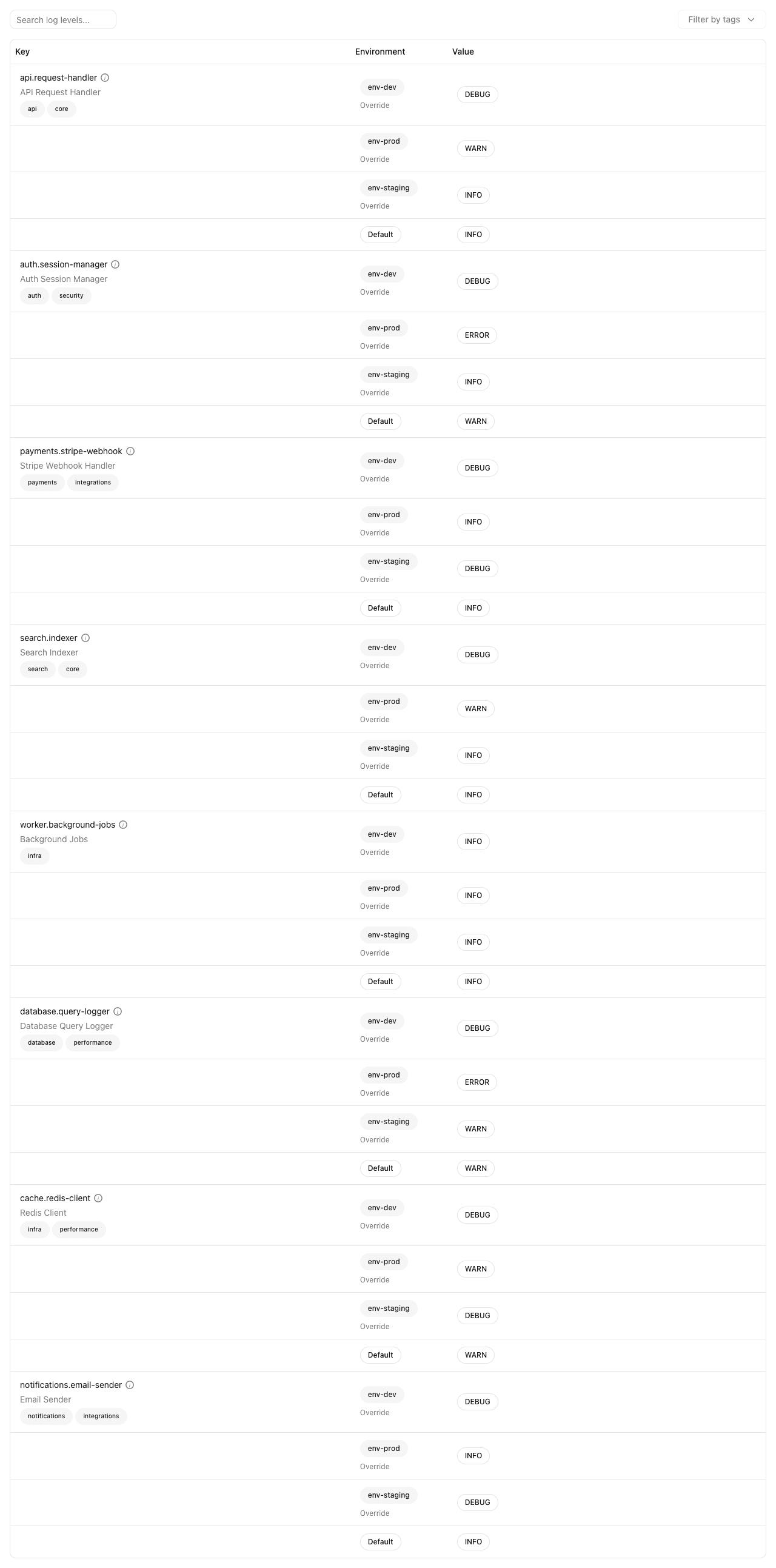
Per-environment rules
The rule stack above is scoped to Production. Staging and Development keep their own — or inherit the shared default.
Or 1% of traffic
For something intermittent, roll DEBUG out to a percentage instead of a person. Enough signal to diagnose, not enough to flood the pipeline.
From the UI or the CLI
`qfg set` from a terminal or an agent, or two clicks in the app. Either way the change is live in seconds and recorded the same way.
One engine
Same targeting engine as feature flags
A log level is just a config with a log-level value type. Every operator, segment, and percentage rollout you use for flags works here unchanged — including turning DEBUG on for 1% of traffic to catch something intermittent.
Property targeting
Target by user ID, email, plan, team, region, or any custom property you send to the SDK. Turn on verbose logging for just one customer.
Segments and groups
Define reusable segments like 'enterprise customers' or 'beta testers' and apply log levels to the whole group at once.
Percentage rollouts
Ramp up DEBUG logging from 1% to 5% to 25% of traffic. Diagnose intermittent issues without overwhelming your log pipeline.
Audit trail
No more “who turned on debug logging in prod?”
Every log level change is tracked with an author, a timestamp, and a description you can read. Including the one you made from the CLI at 3am — and the revert.

Integration
No SDK changes needed
The same SDK that serves your feature flags serves your log levels. One integration, one connection, all capabilities. If you've already set up Quonfig for flags, log levels work out of the box.
One SDK, everything
Feature flags, config, log levels, and secrets all come through the same SDK. No separate integrations to maintain.
Real-time updates
Log level changes propagate to your application in seconds via server-sent events. No polling, no restarts, no cache invalidation.
Language-native
SDKs for Node.js, Python, Ruby, Go, Java, .NET, and the browser. Each one feels native to the language and integrates with its logging framework.
Ready to try dynamic log levels?
Same platform, same SDK, same audit trail. Get started in under 5 minutes.